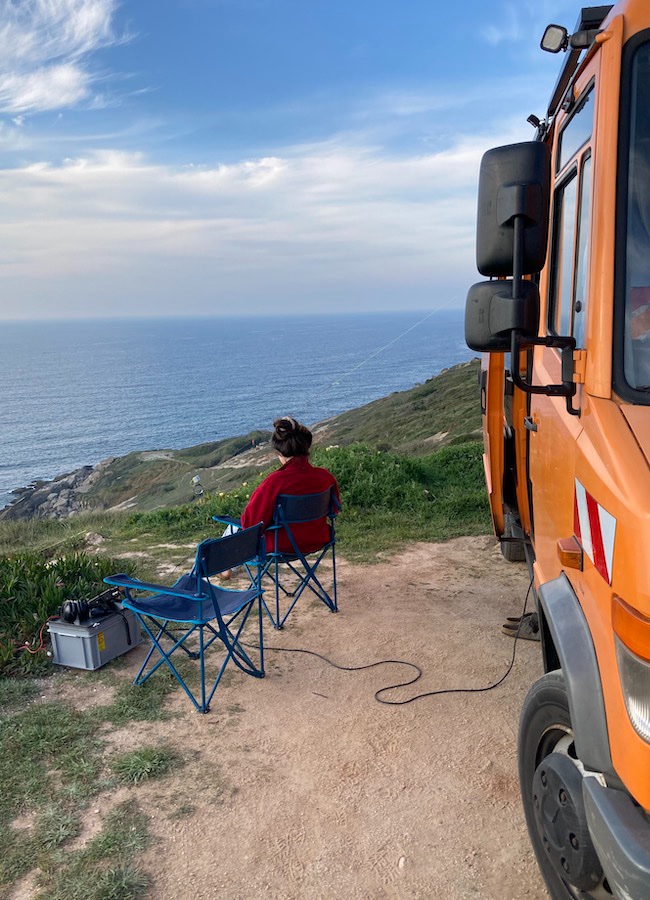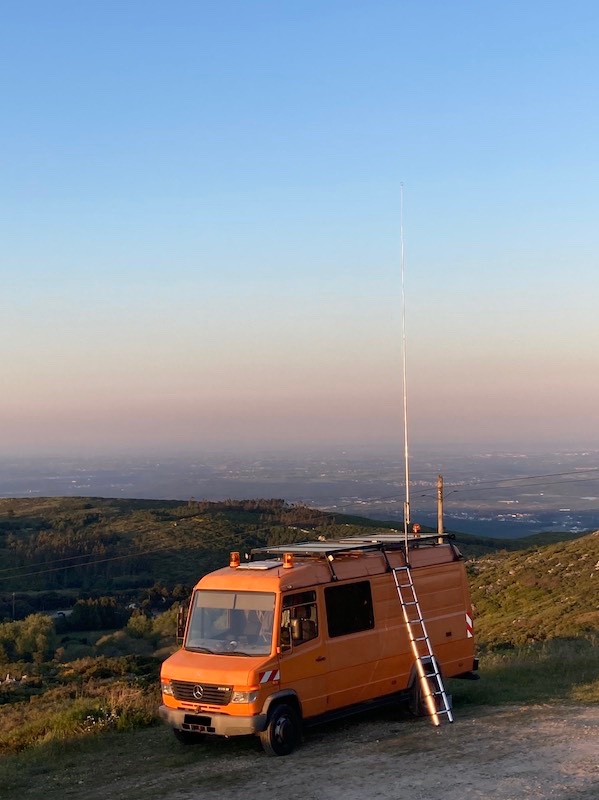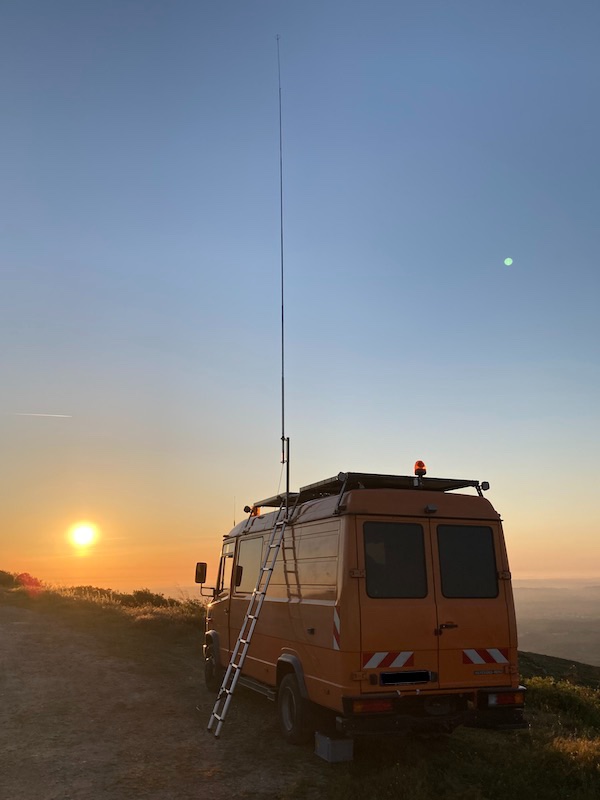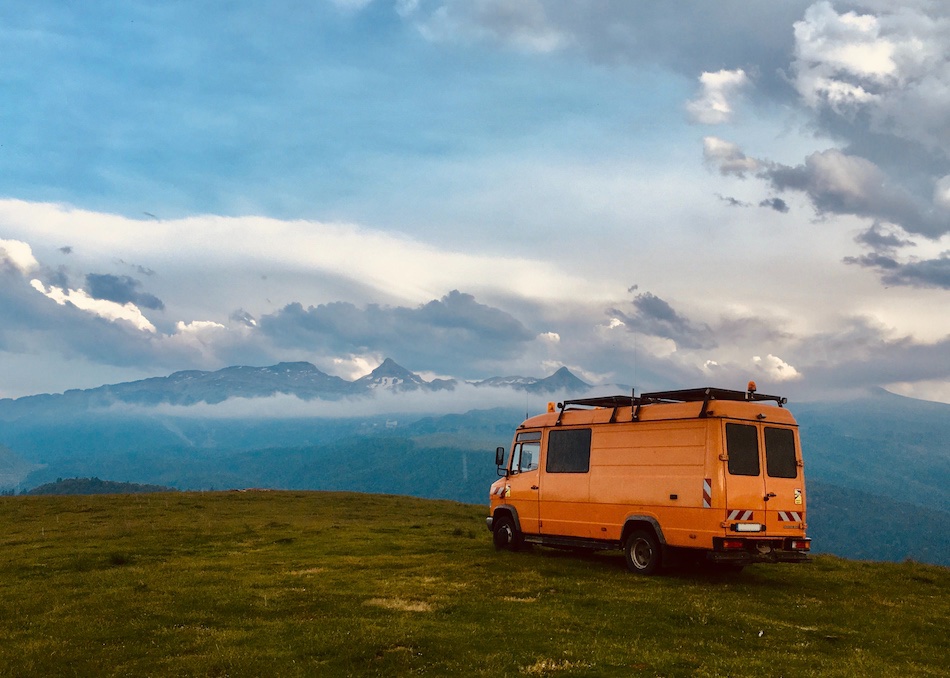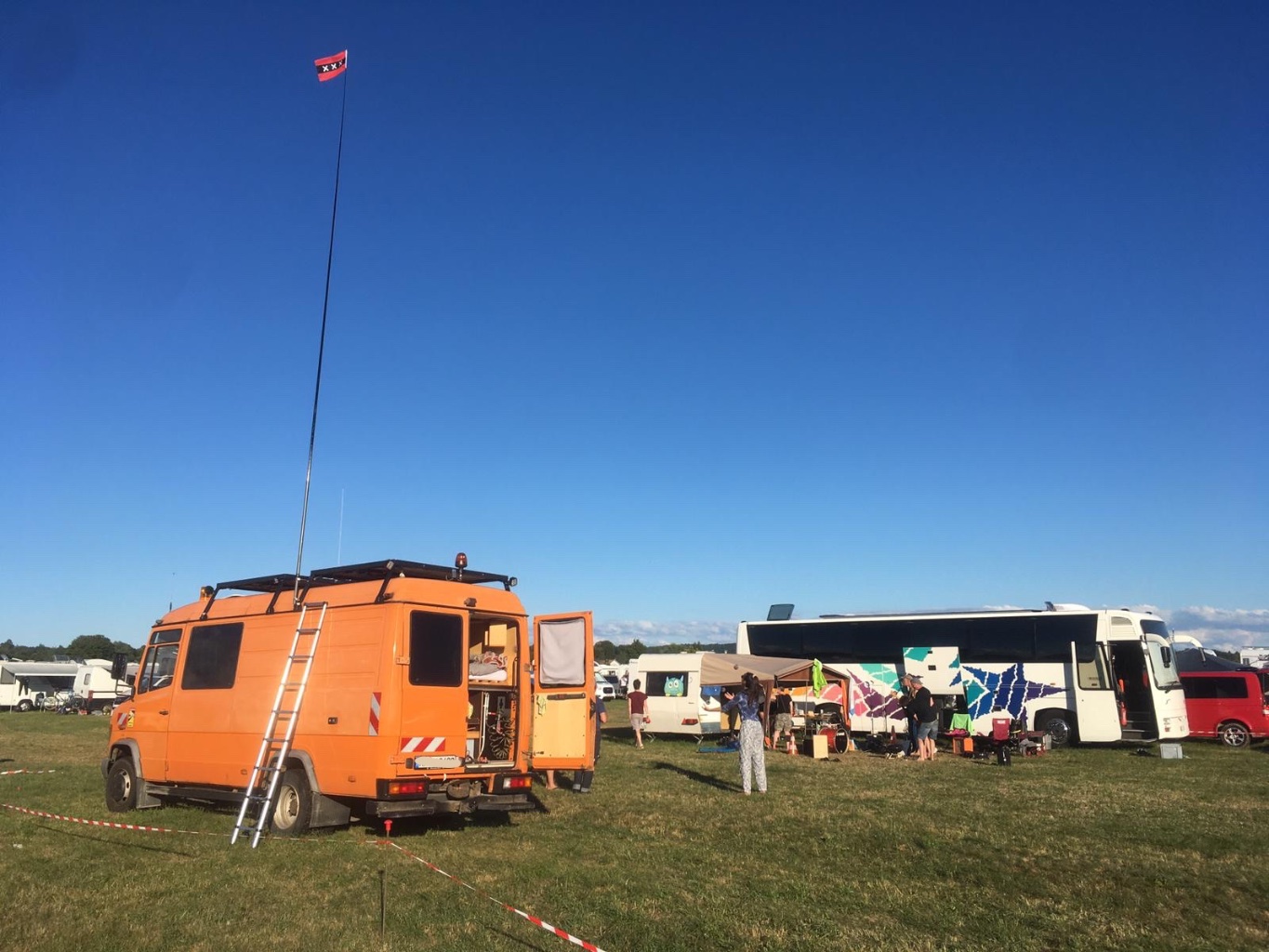

I am also interested in operating radio on frequencies in the 11m, 2m and 70cm band out of my Mercedes truck. Therefor I use different radios and antennas, the antennas are mostly self-made. In 2023 I made my radio amateur license and my callsign is DO7BKR. If you received the address of this website, feel free to write me a message via the contact site or via Instagram.

Portabel:
Motorola GP900 UHF Analog
Motorola GP900-11b VHF Analog
Motorola MT2100 UHF Analog
Motorola HT1000 UHF Analog
Motorola MTS2000 UHF trunked and conventional analog
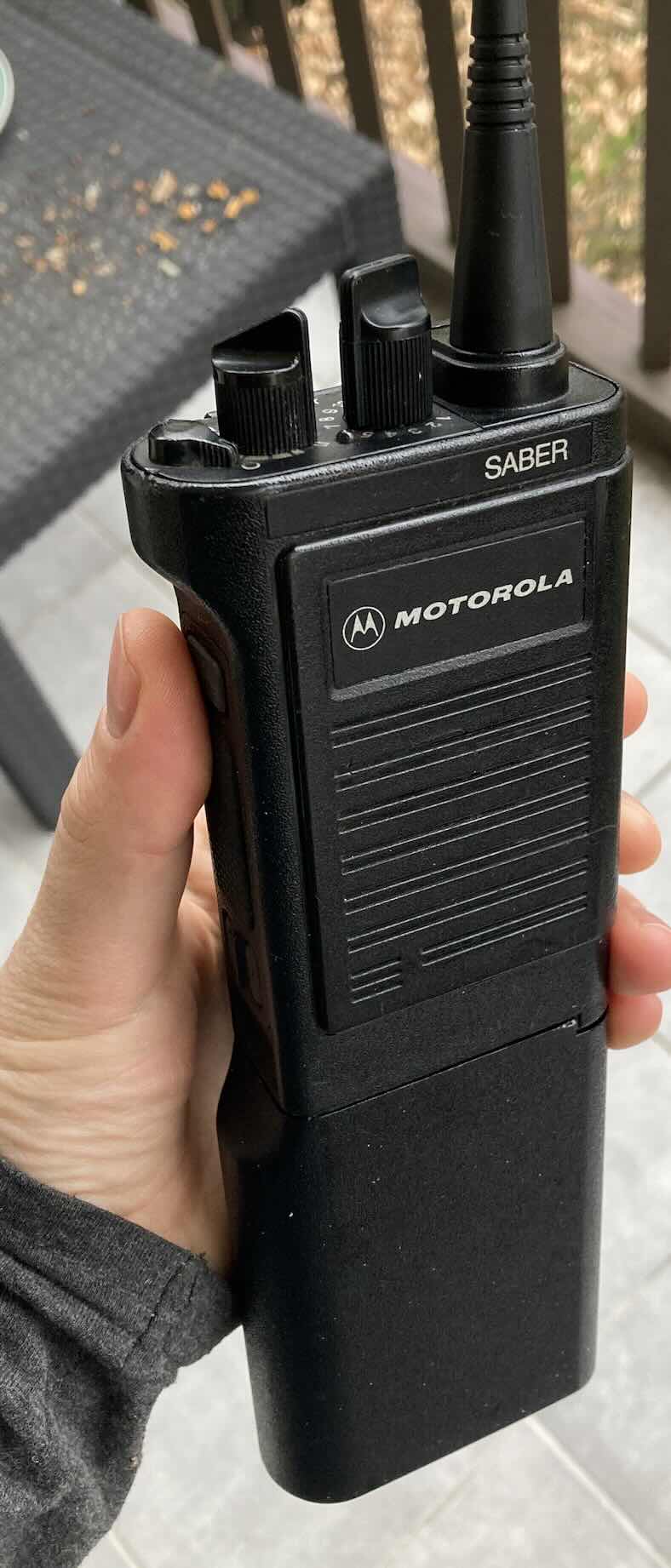
Motorola SABER I UHF Analog
Motorola MX1000 UHF Analog
Motorola DP2600 UHF DMR/Analog
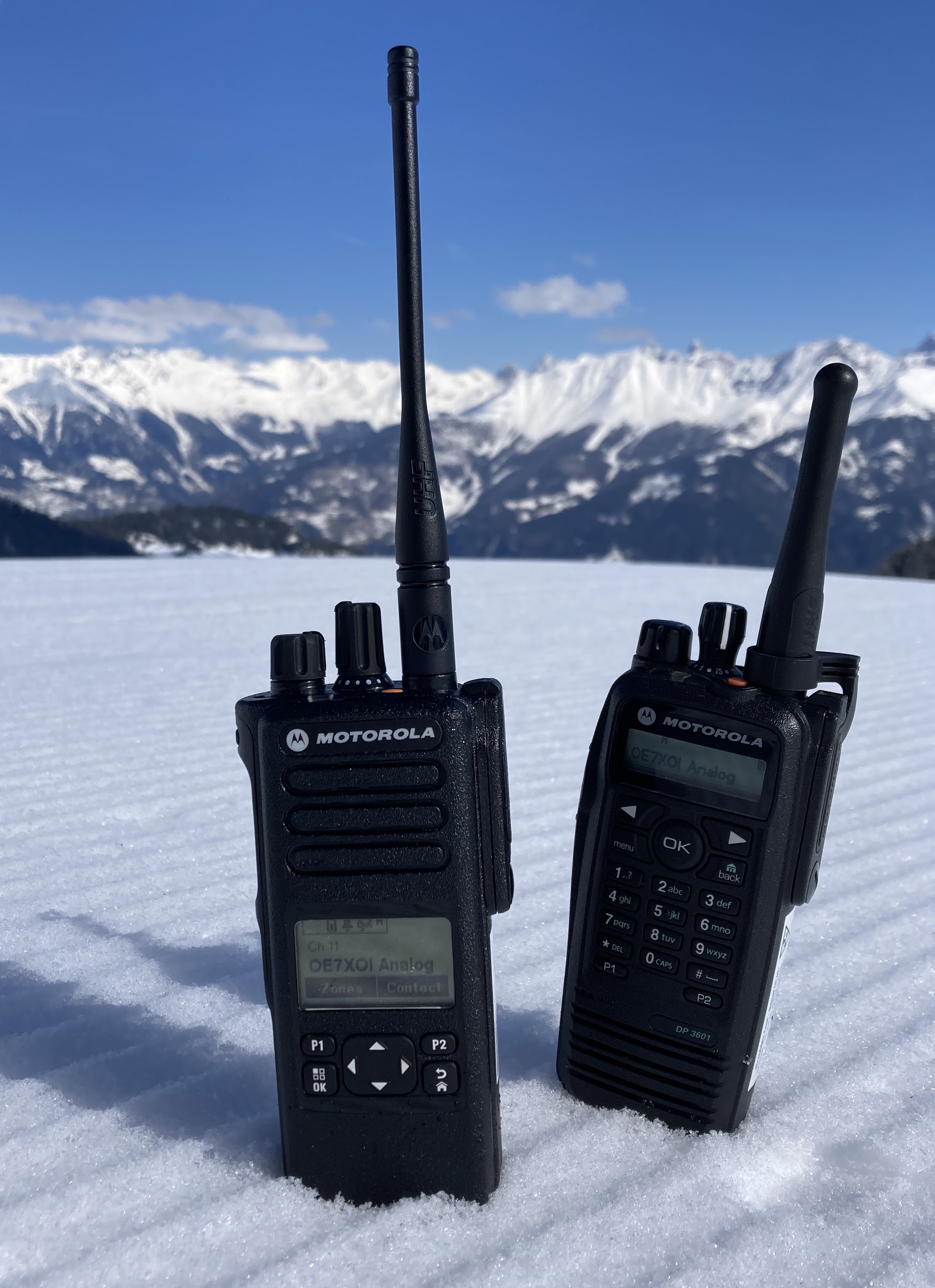
Motorola DP3600 UHF DMR/Analog
Motorola DP3441e UHF DMR/Analog
Motorola DP4600e UHF DMR/Analog
Motorola DP4400e UHF DMR/Analog
Motorola MPT850 TETRA
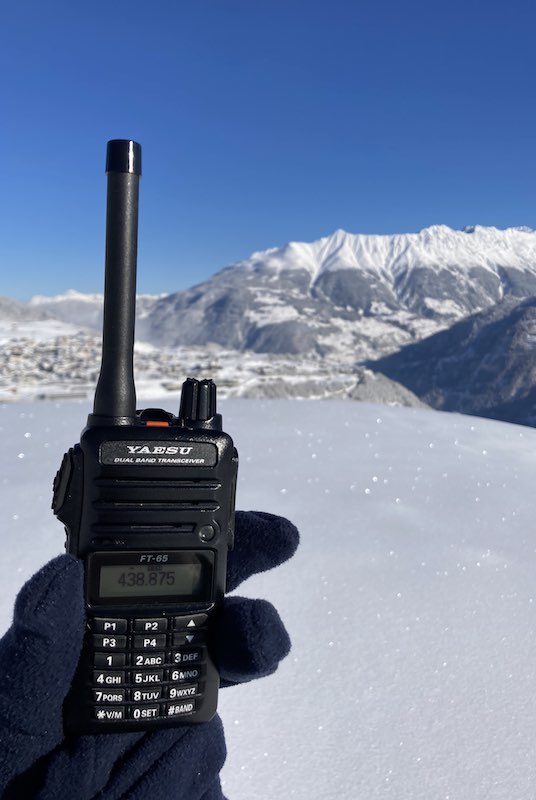
Yaesu FT-65 VHF/UHF
Mobil:
Motorola GM900 UHF
Motorola DM2600 UHF DMR/Analog
Motorola DM1600 UHF DMR/Analog
Motorola DM4601e UHF DMR/Analog
Motorola MC Micro VHF Analog
Yaesu FTM-7025DR UHF/VHF C4FM/Analog/Airband
AEG FuG-8b VHF Analog
Motorola SABER/MX Series
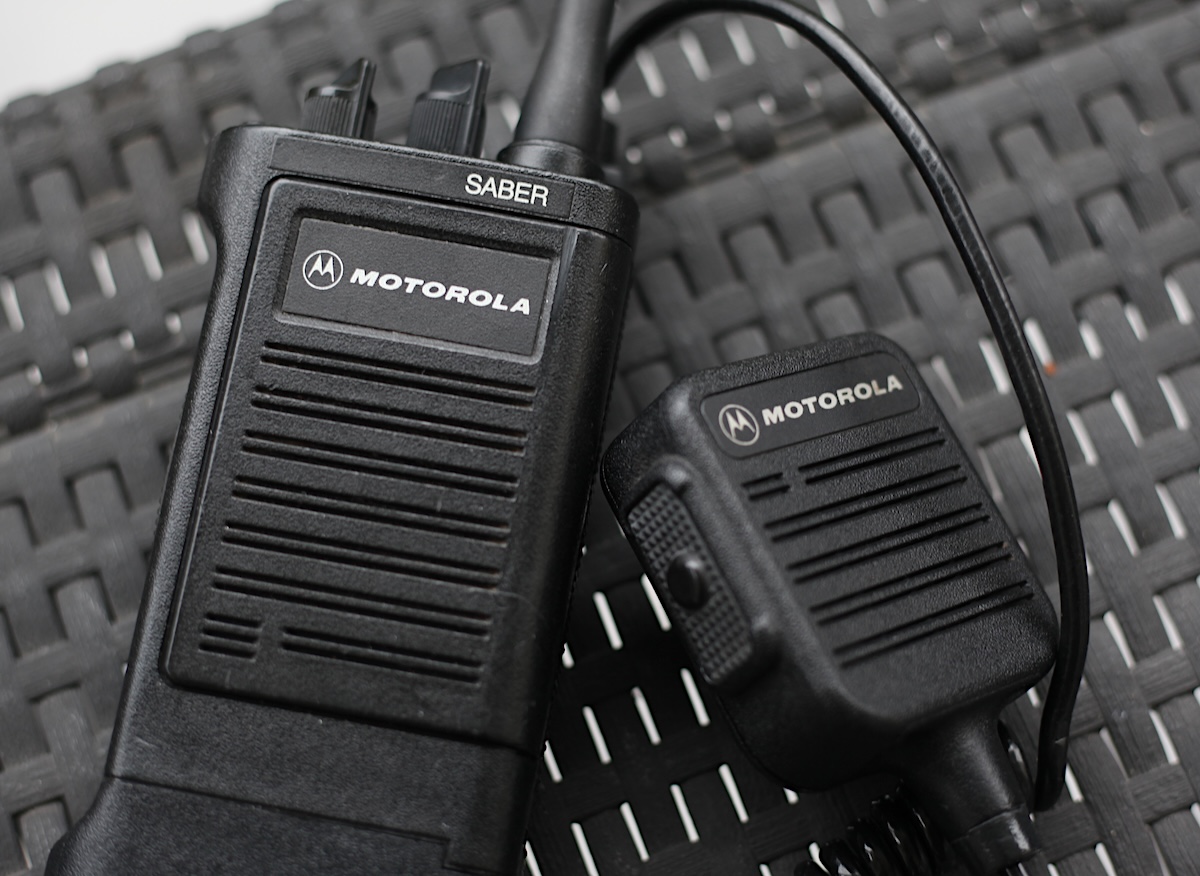
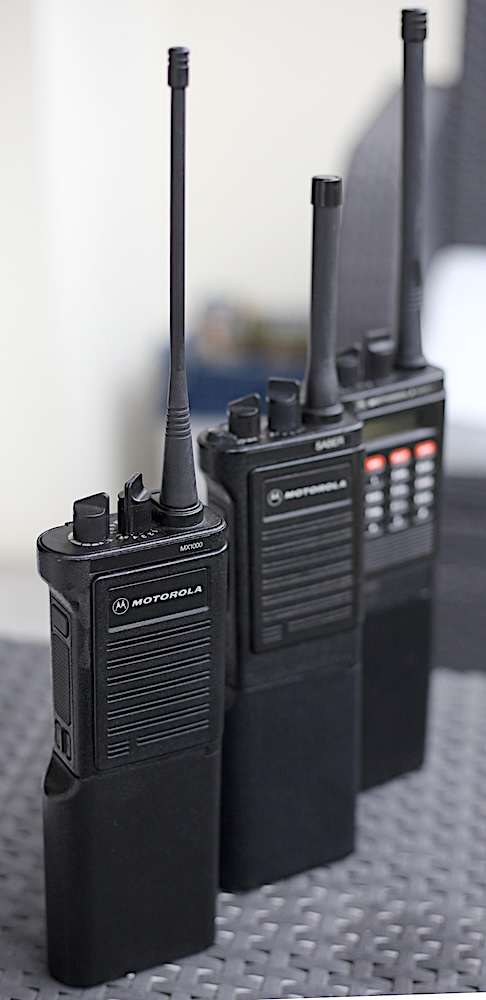
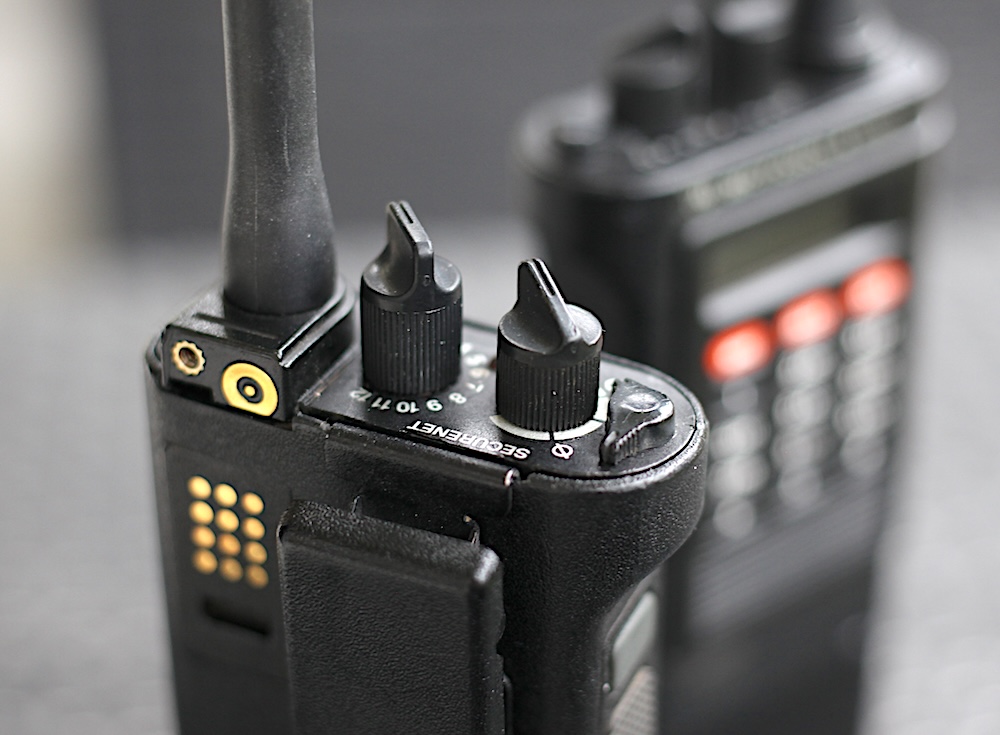
The Motorola Saber series were the flagship of Motorolas portable radio production in the late 80’s and early 90’s. In the US they were called SABER, for the EU marked there were the MX1000/2000/3000 series available. These radios are extremely robust and the receiver is working quite good, even out of band. Also it is easy to exchange parts such as the amp or the receiver modules. I am using an aftermarket RIB Box and the programming cable to program them with an old Panasonic CF-29 computer running DOS. It was a bit of pain to get to a successful programming because the DOS based RSS is not running under WinXP using DOSBox. So the DOS has to run native, I tried several computers with RSR 232 interface and non of them would work with DOSBox. Even if I saw people on Youtube using DOSBox, for me it was simply not working, whatever I tried in the settings. So I can just recommend to directly installing DOS, it’s saving a lot of time and you not gonna end up being completely frustrated like I was. The programming cables from china come with the pinout for the Astro Sabers, even if they say they should work for the conventional Saber/MX. You have to switch the pinout in-between Pin 6 (Astro) and 8 (Saber/MX) to use them on normal Sabers. To use the SABER (450-470Mhz) for radio amateur use (430-440Mhz) , I had to patch the RSS with an Hexeditor to shift the band limits in the Software.
A lot of useful Information you can find on the website of the Cryptomuseum and Batlabs:
https://www.cryptomuseum.com/crypto/motorola/saber/index.htm
https://batlabs.com/pinouts.html
https://www.repeater-builder.com/motorola/saber/hex-editing.html
https://agh-technik.orgfree.com/motofunk.html#MX1000
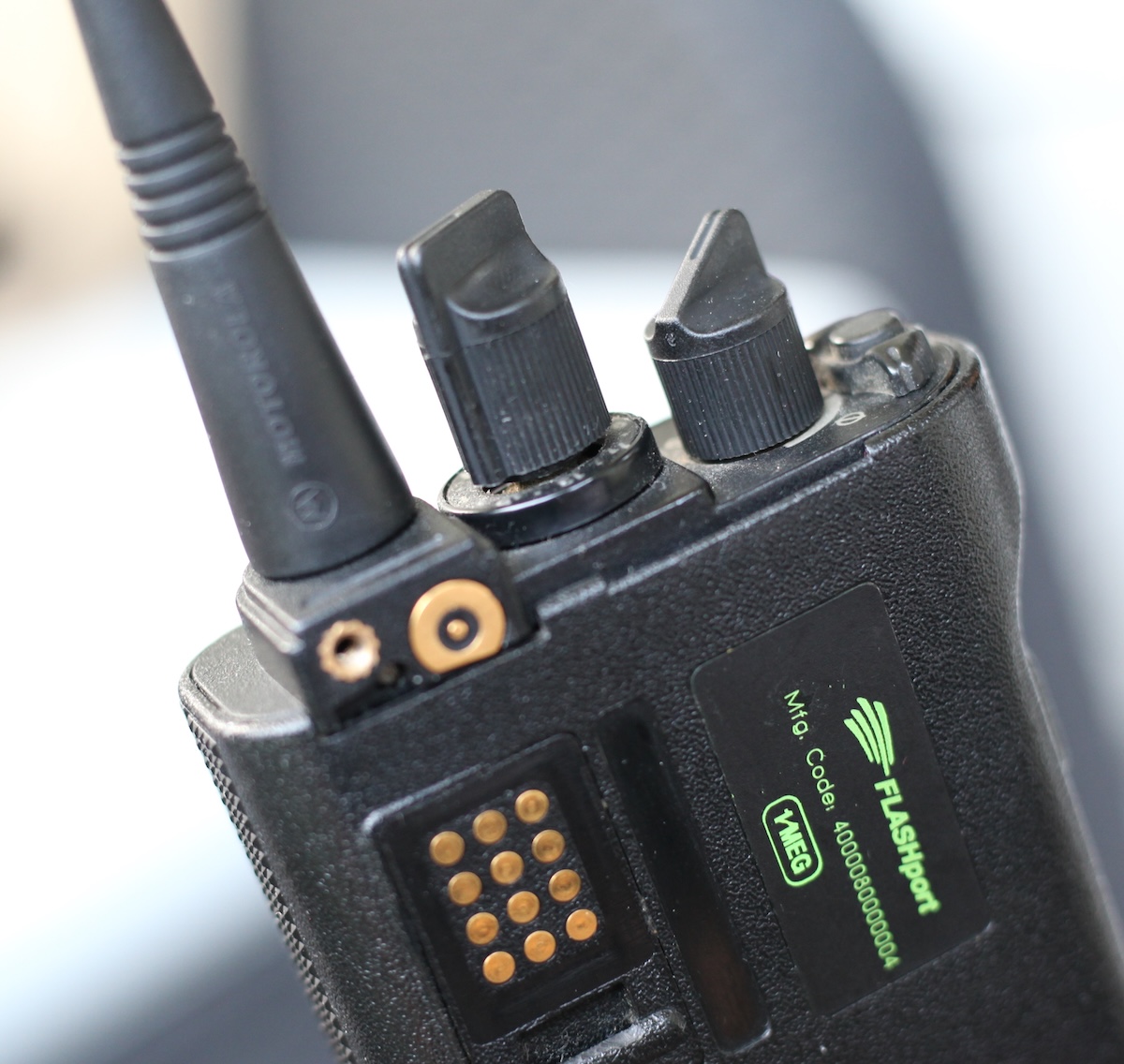
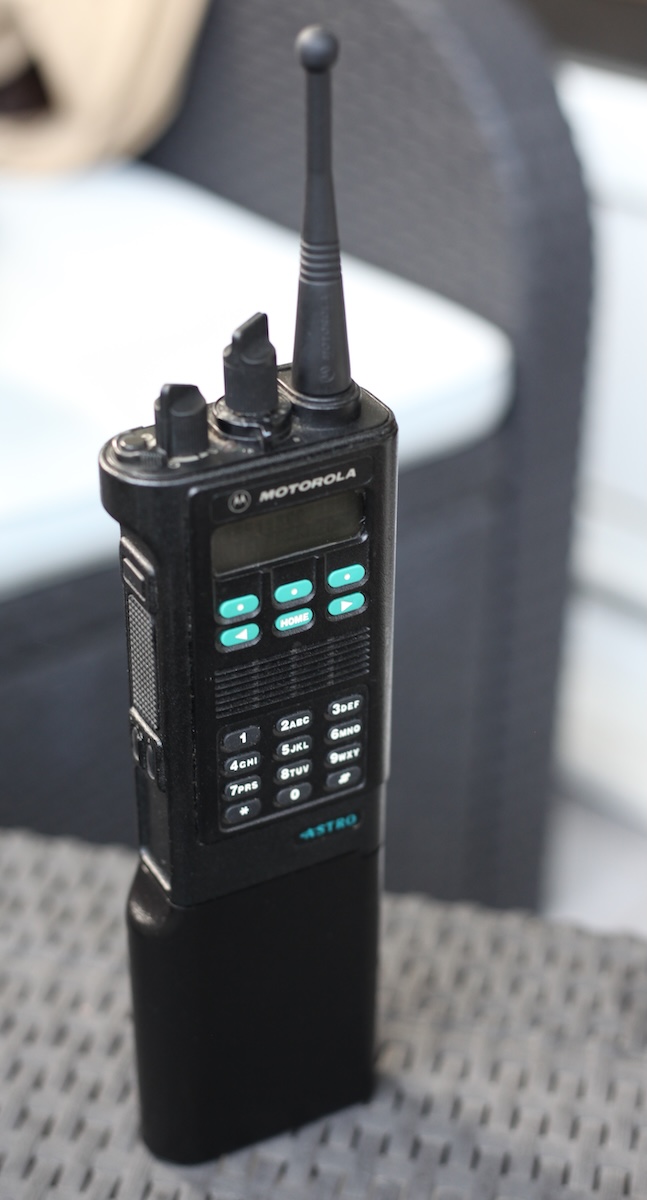
Here some impressions about the Motorola Astro Saber series. This is unfortunately not my radio, I had it for programming in my hands, it comes from a friend (DO7MTA) an it is a 800 Mhz version which was used in the US:
Motorola JEDI Series
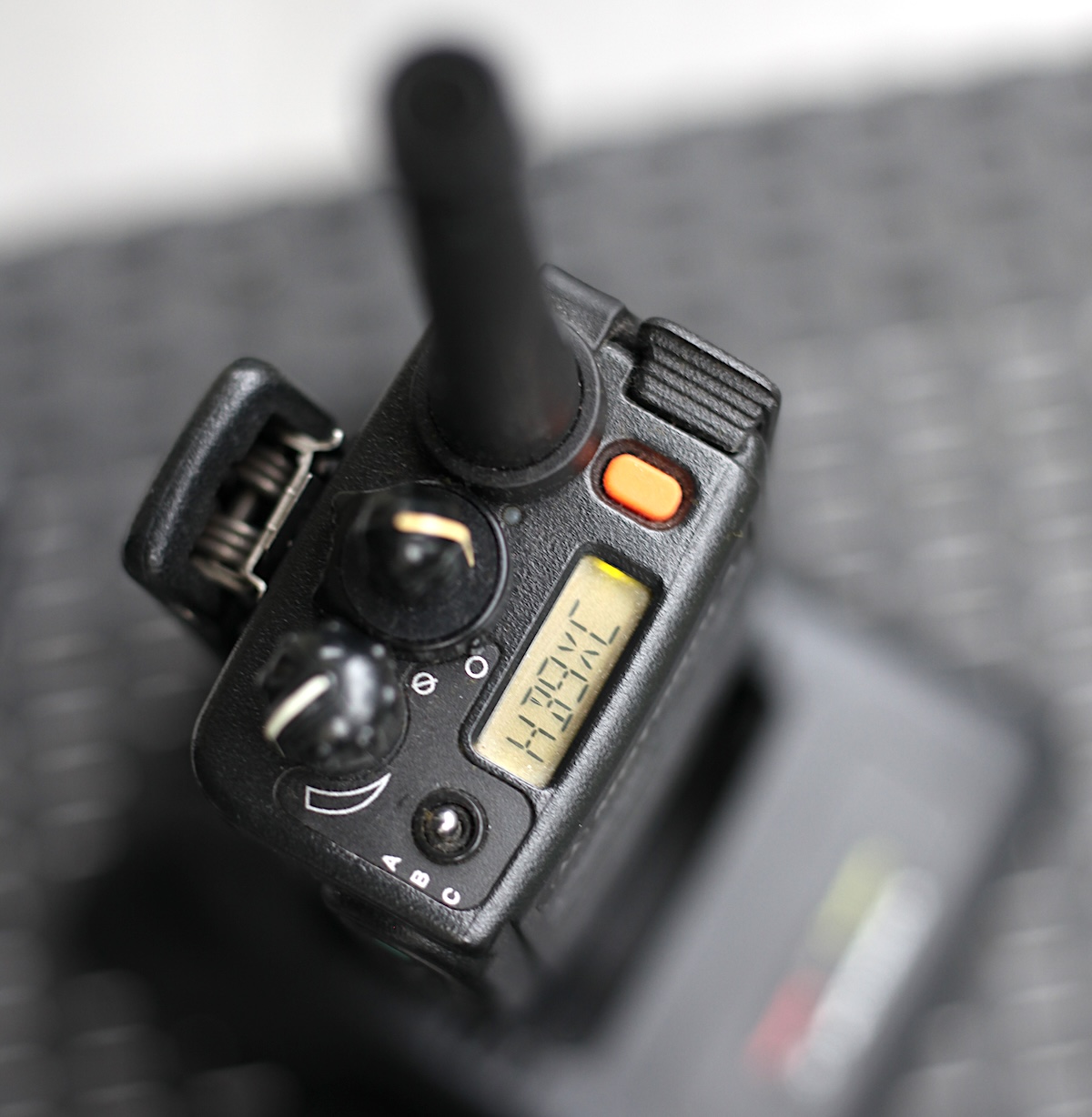
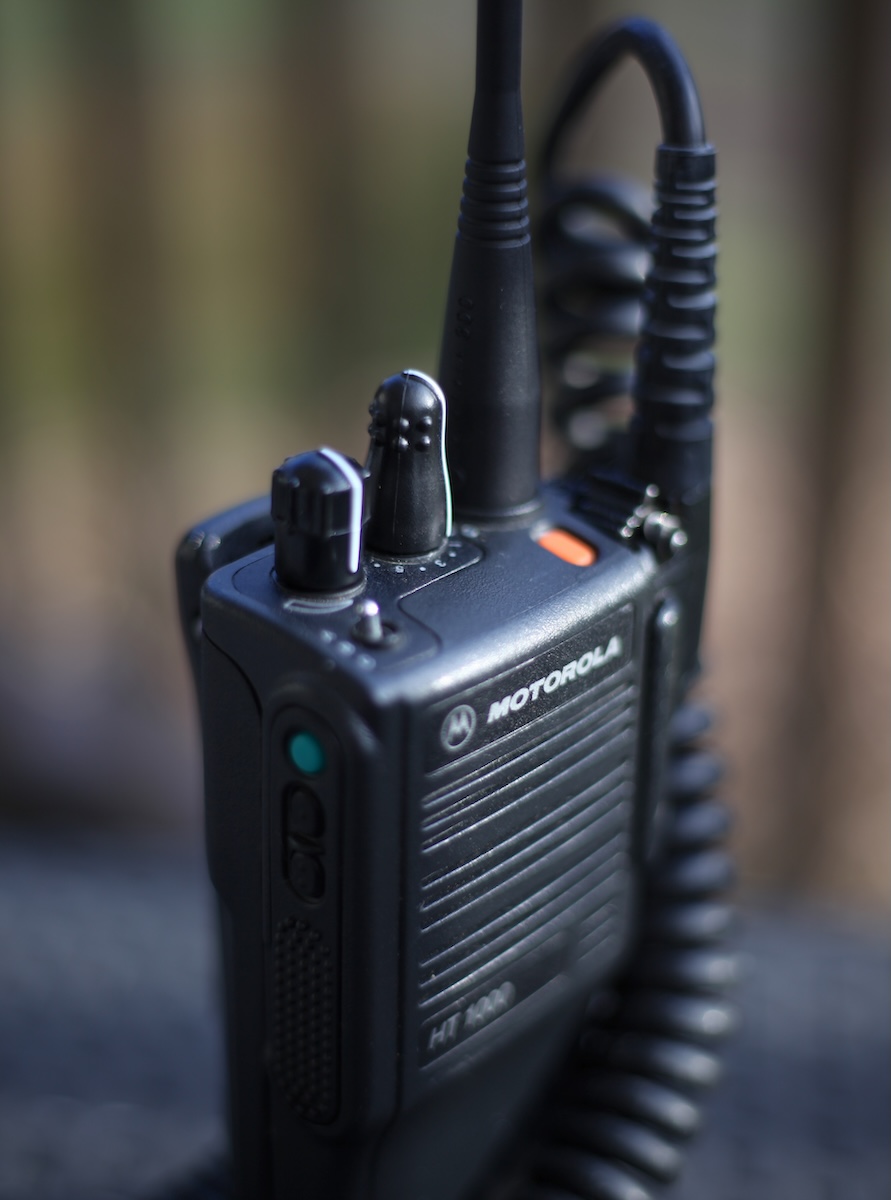
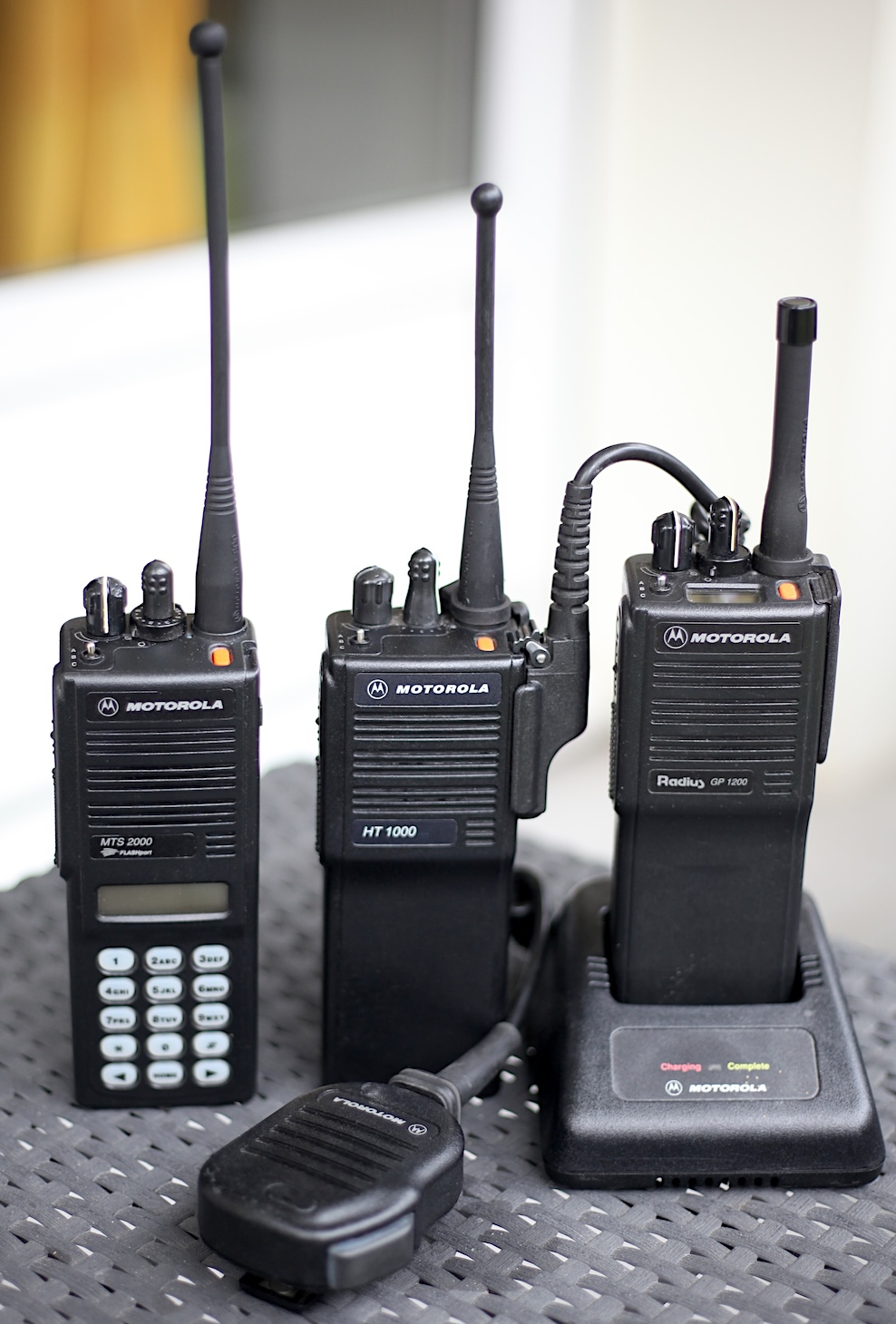
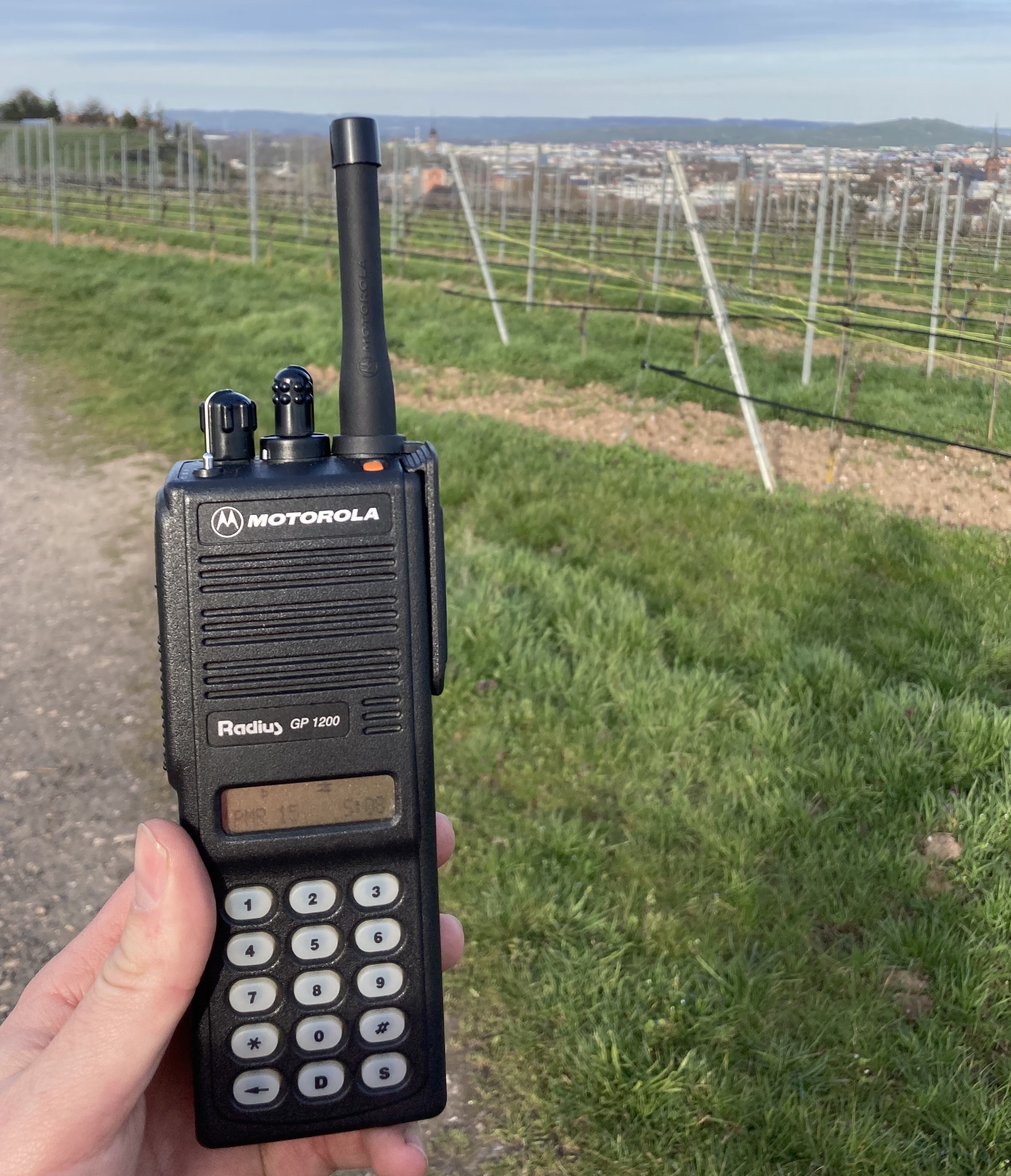
The Motorola Jedi Series where introduced in the mid 90’s and were used for a long time, in the German civil defence/ fire brigade they were some models still in use in 2025 before switching to the TETRA standard. Also being super robust and programmable via DOS or WinXP (WookieLab) they are still nice to use for radio amateurs. They are many different models on the market for different usage, conventional or trunked. I have the MTS2000, GP1200, HT1000, and GP900 models in my collection. The GP1200 is a flashed MT2100 since the firmware is build for trunked operation. As MT2100, it is capable of handling up to 210 channels, 5-Tone calling and single tone. Also it is the only radio of the Jedi series which I can program via WinXP using WookieLab. For the others, for sure there is each a different RSS needed, using DOS. The radio comes in different housing versions such as no display, top display, front display, full keypad and half keypad. They are quite reliable, the only problem is the front display which tend to create a well known pixel issue with the time.
More infos:
https://agh-technik.orgfree.com/motofunk.html#GP900
Motorola MC Micro Series
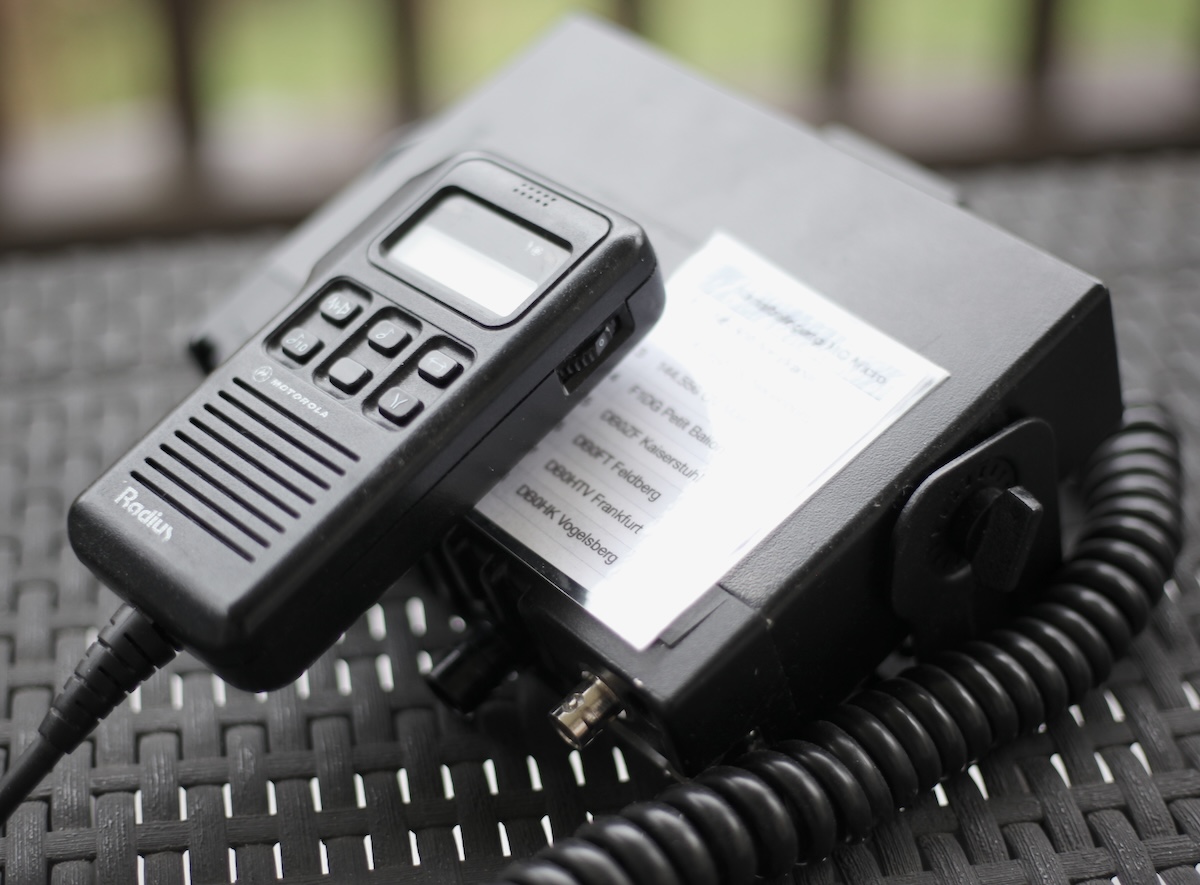
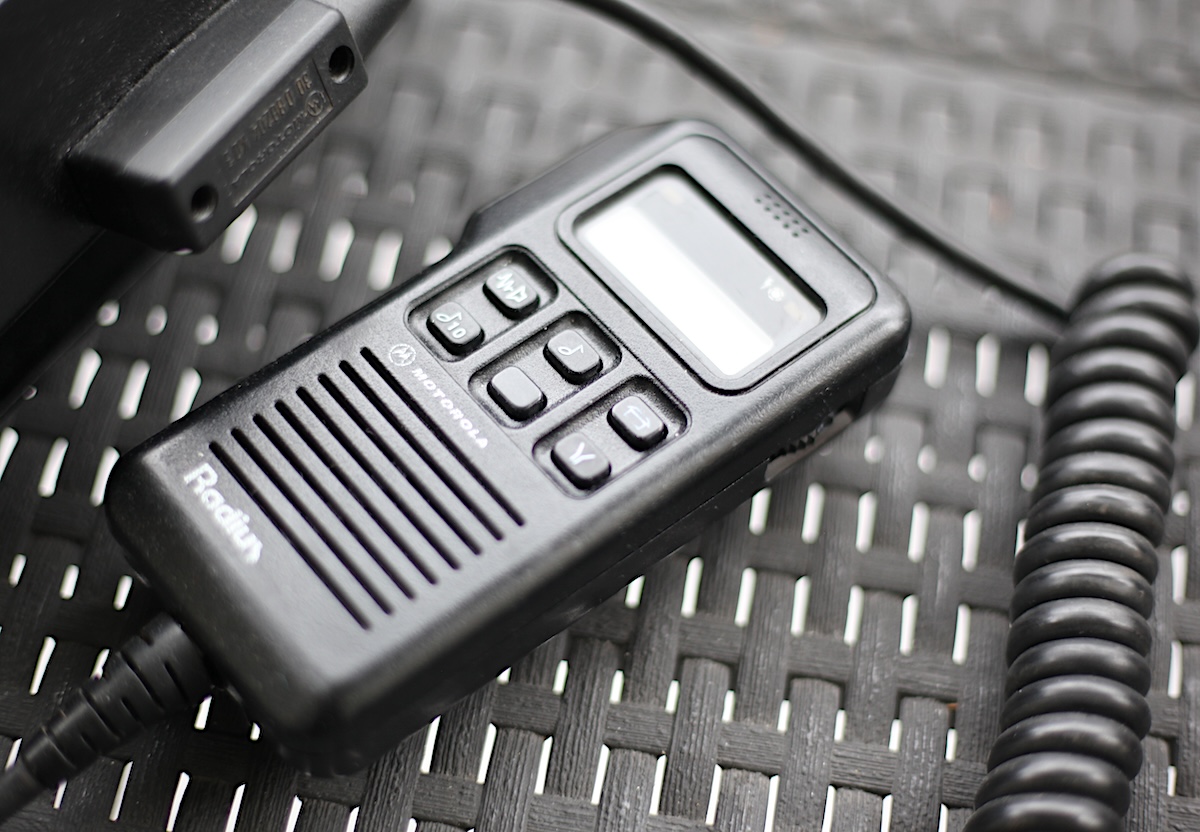
The MC Micro is a super nice compact mobile radio from the late 80’s. They can be programmed via DOS RSS but therefore you really need to get into really old hardware or you need to analyse the communication and set up a DOS box with these parameters. I did not do that, a ambitioned radio amateur from Germany programmed this radio this for me.
Motorola MOTOTRBO 4600 Series
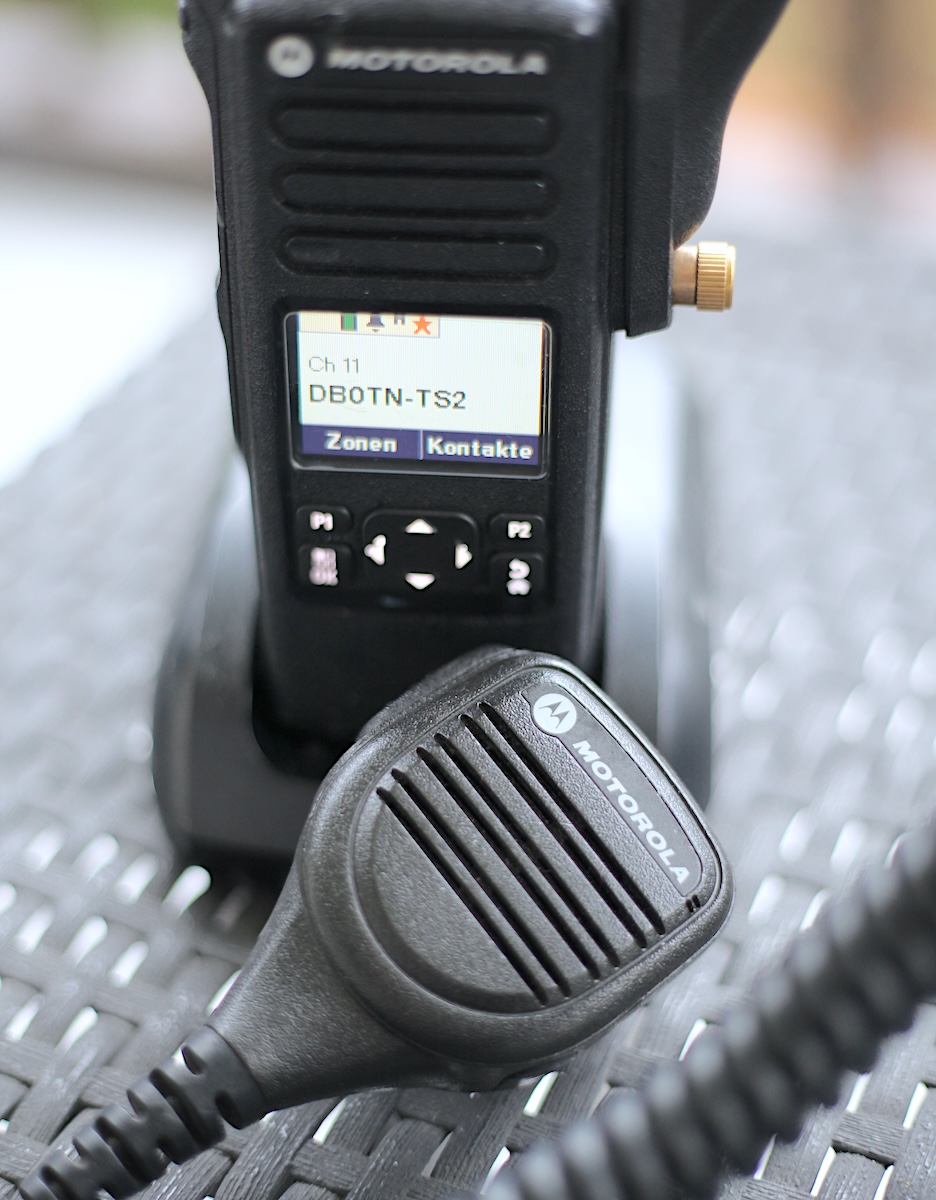
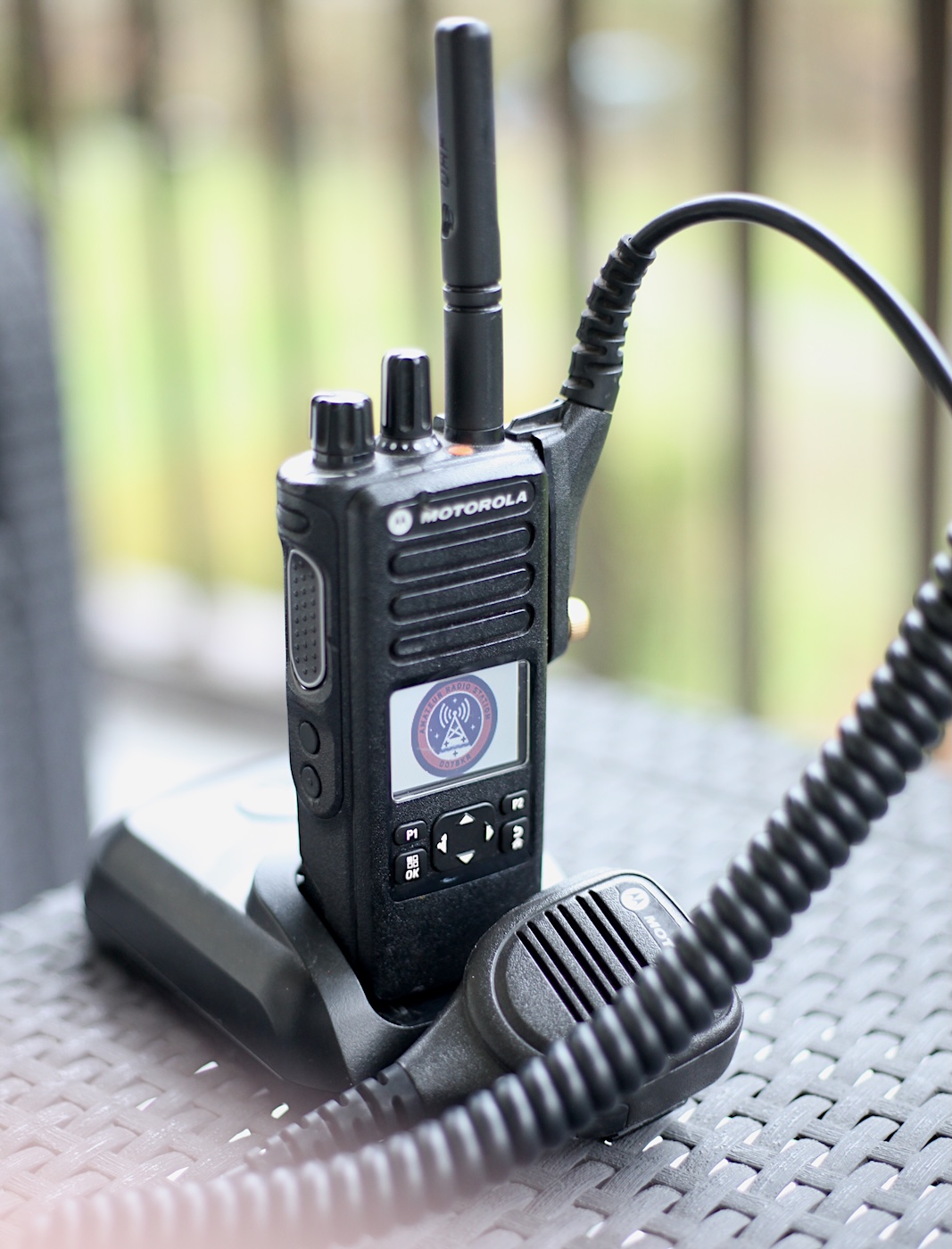

Since I am also using the digital radio protocol DMR, I have a couple of DMR radios of the newer Motorola MOTOTRBO Series in the collection. For portable usage I have a DM4601e, mobile in the car I am using a DM4600e, both UHF. Like almost all the newer products, the DM/DPs do not have the same housing build quality like the Jedis or the MX series. But receivers and the modulation are still quite good. And they are way easier to program using a new CPS which is running under Win10/11. The handheld radios come without display, front LCD Display with semi keypad and front LCD Display with a full keypad.
Motorola MOTOTRBO 2600 Series
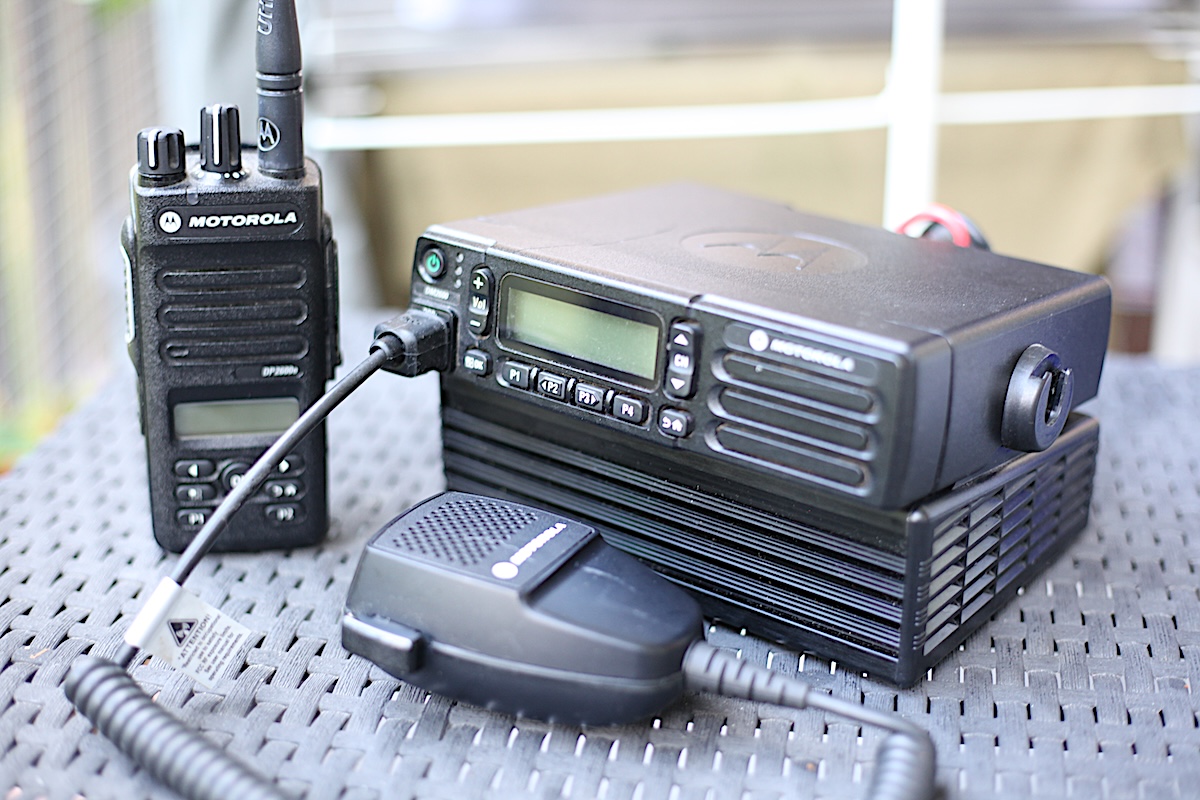
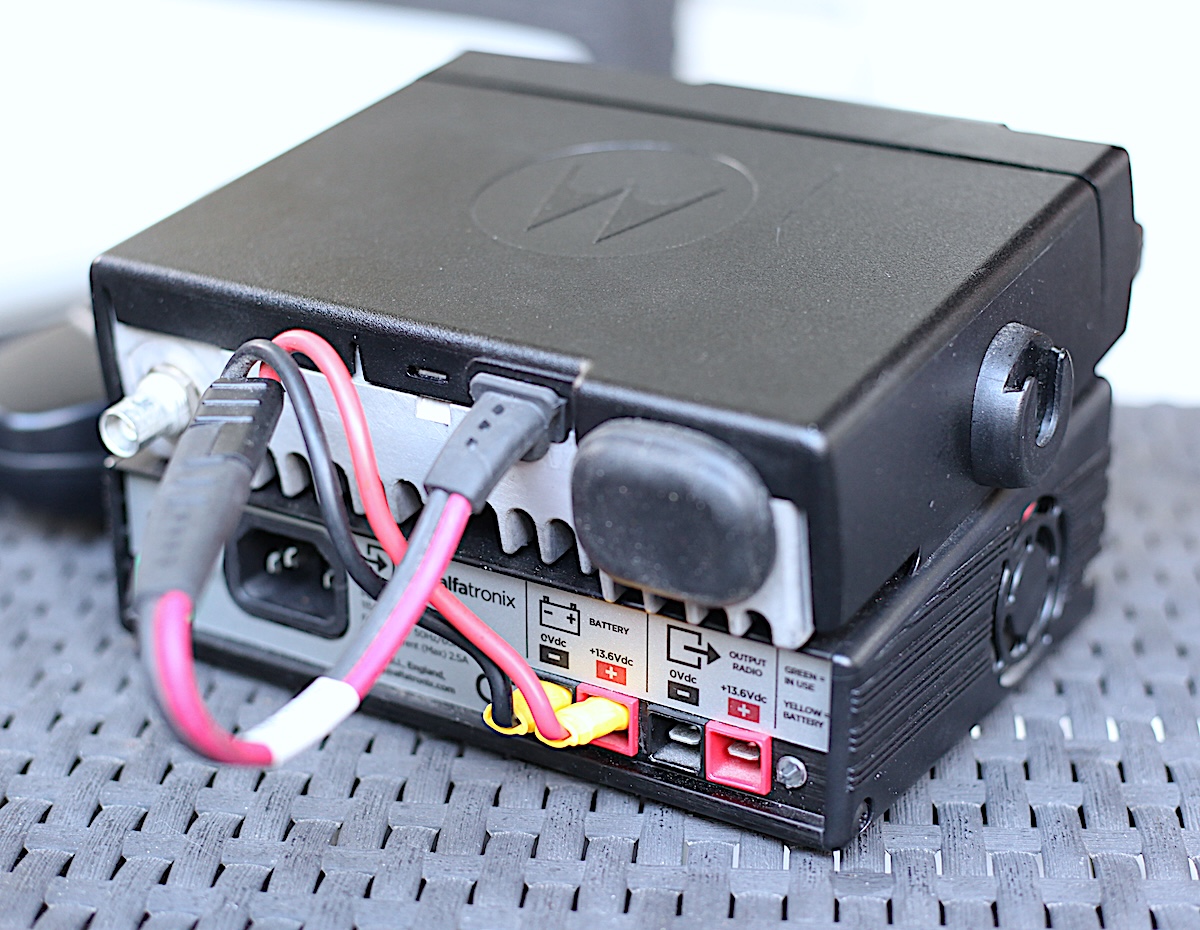

The 2600 product family shares almost the same functionality than the 4600 series but they come with smaller displays and they are in general less bulky build. I am using a 2600 mobile radio at home in combination with a 12V power supply coming from Alfatronix and a self-made dipole on the balcony. The radiators are connected via 4mm banana plugs, so I can exchange them easily with longer ones for VHF operation. The Alfatronix power supply was especially designed for the Motorola DM2600/4600 series a is a perfect fit. It allows also to connect a 12V Pb battery for backup supply when there is a power loss. The 2600e portable radio is often with my when I am on the bike, since it is really small.
Roda Rocky III+ Field Programmer
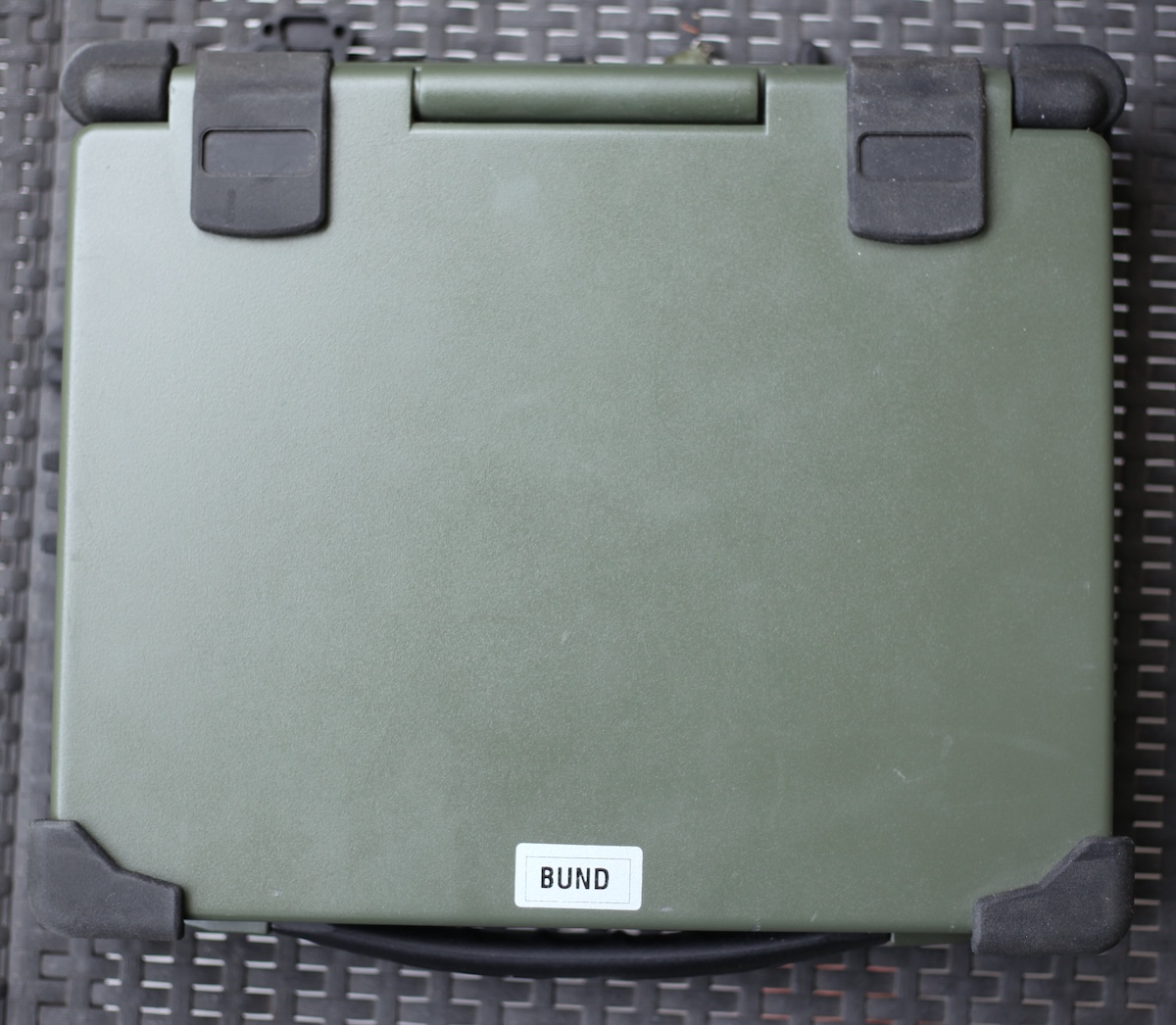
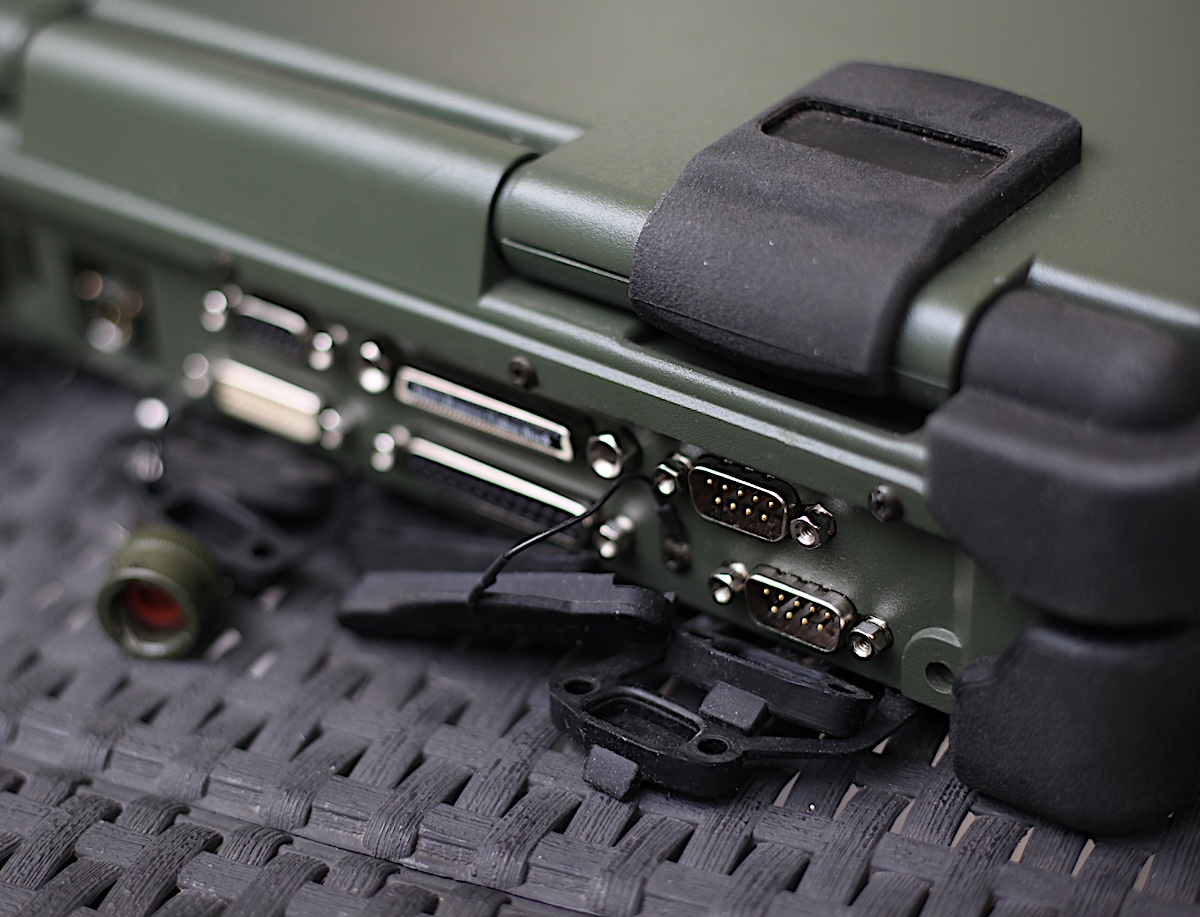
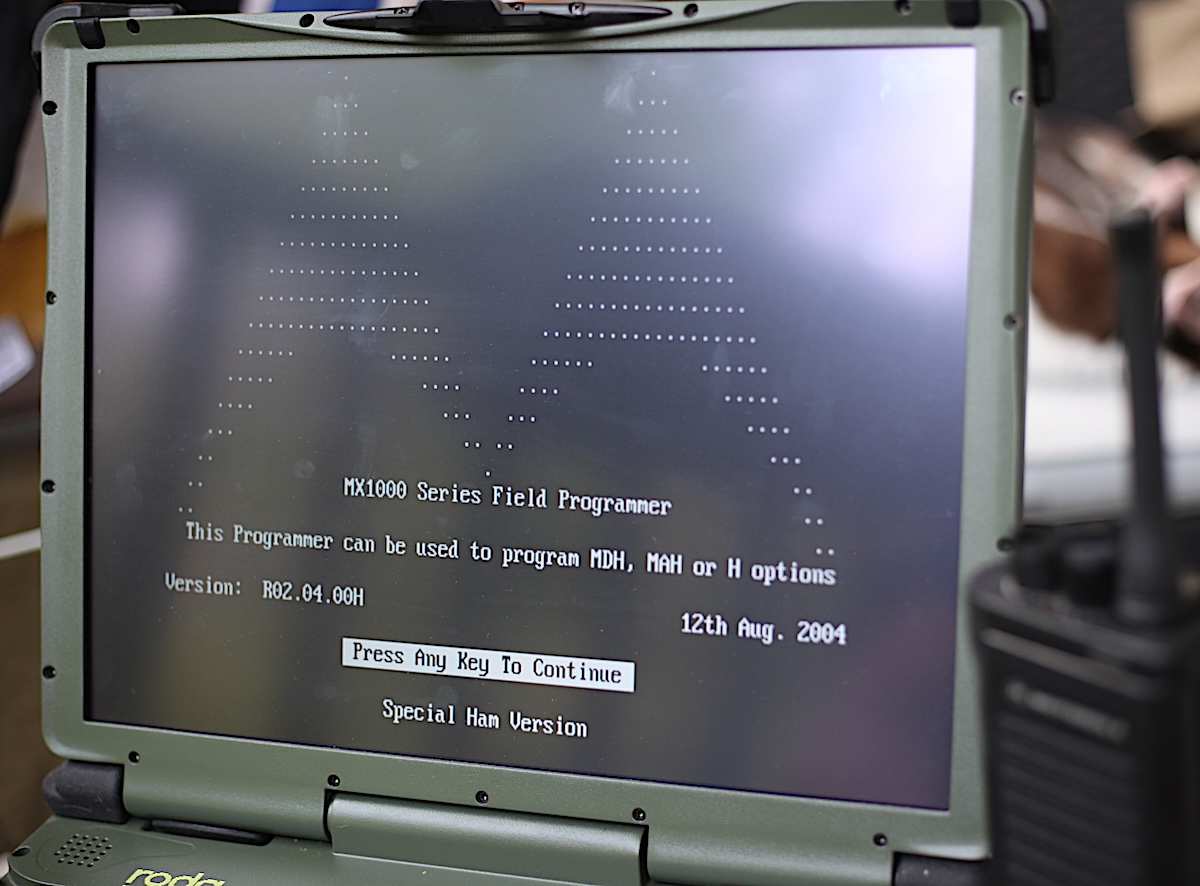
Got this computer via a dutch eBay trader, it was former serving the German army. With the large amount of different serial interfaces it is a perfect option to program older radios under winXP or DOS. Several attempts to program the old MX/Saber/HT1000 radios via DOSbox under WinXP failed, so I am running DOS now via an USB Thumbstick on the back. While booting up, I can choose if I want to run XP or DOS. For the real old like the MX1000 you also have to take care to slow down the processor a bit, for this case I use a simple exe. file named ‘slow down’ which was written to run older games and software on newer processors via DOS. The radios are connected with an aftermarket RIB-Box to the RSR 232 interface.
Some more impressions: